How to Support Your Favorite Creators for Free
Twitch Prime is a win-win. You get a premium, ad-free experience, and the streamer gets the financial support they need to keep creating content. Have you used your Prime sub this month? Head over to Twitch, find your favorite creator, and show them some love!
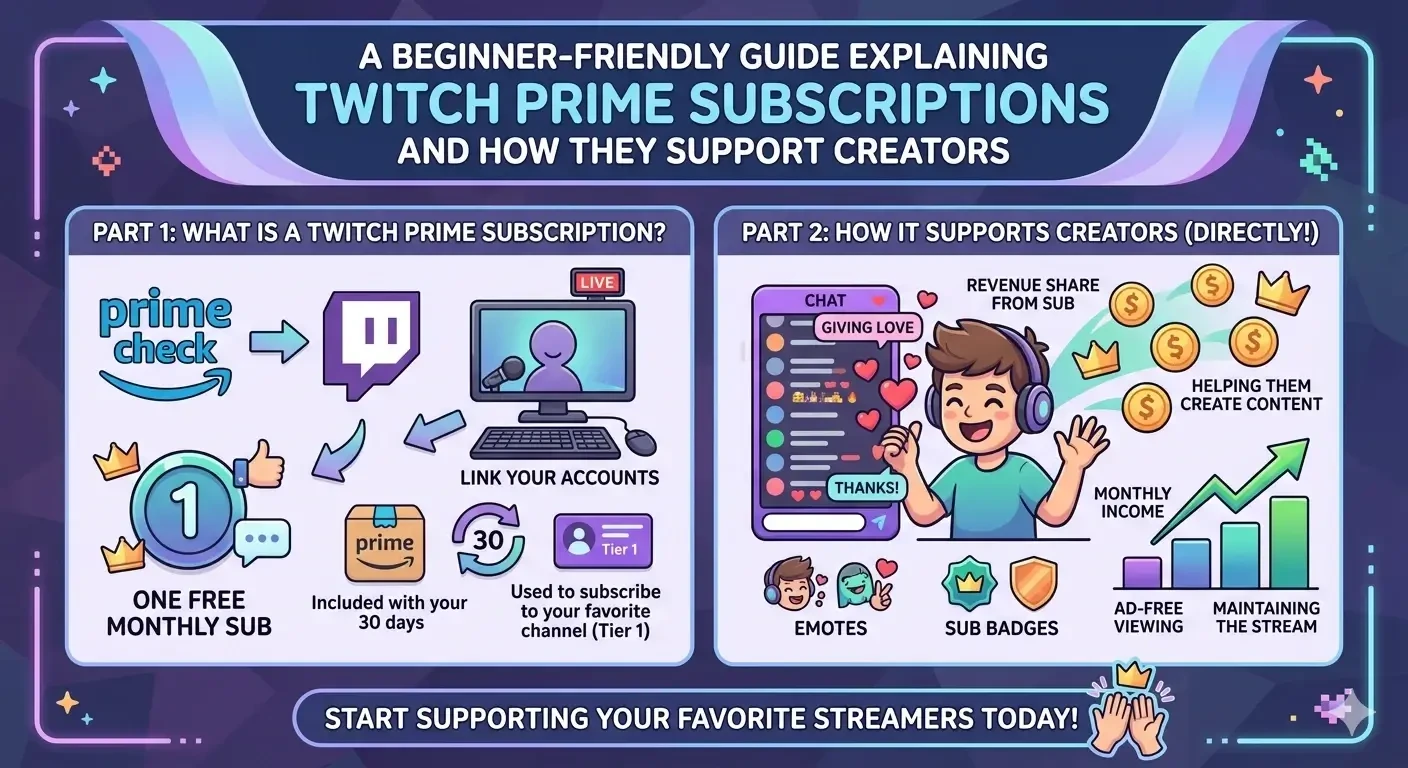
Image: Explanation of how Twitch Prime works and supports streamers.
Are you new to the world of Twitch, or have you been hanging out in chats wondering why everyone keeps saying, "Don't forget to use your Prime"?
If you already have an Amazon Prime membership, you are sitting on a hidden gem of support for the streamers you love—and it doesn’t cost you a single extra cent. In this guide, we’ll walk you through everything you need to know about Twitch Prime subscriptions (now officially part of Prime Gaming).
What is a Twitch Prime Subscription?
A Twitch Prime subscription is one of the best perks of Amazon Prime. In short, it gives you one free "Tier 1" subscription every month to give to any creator of your choice.
Normally, a subscription costs around $4.99, but with Prime, it’s included in your existing membership. It is a "use it or lose it" benefit; you get a fresh one every 30 days, but they don't roll over if you forget to use them.
Benefits for You as a Viewer:
- Ad-Free Viewing: On most channels, you can enjoy the stream without interruptions.
- Exclusive Emotes: Access the channel’s unique custom emojis to use across all of Twitch.
- Chat Badge: Show your loyalty with a special icon that appears next to your name in chat.
- Sub-Only Access: Join exclusive sub-only chats or Discord servers hosted by the creator.
How to Get Started (Step-by-Step)
Setting it up takes less than two minutes, and after that, it's just one click a month.
- Link Your Accounts: Go to gaming.amazon.com and log in with your Amazon Prime account. Follow the prompts to link your Twitch account.
- Find Your Favorite Streamer: Go to the channel you want to support.
- Click the "Subscribe" Button: A window will pop up showing different options.
- Select "Subscribe Free with Prime": Check the box that says "Use Prime Sub" and click the purple button.
Pro Tip: Prime subscriptions do not automatically renew. You have to manually return to the channel every 30 days to hit that button again to keep the support going.
How Does This Actually Support the Creator?
A common myth is that because the subscription is "free" for the viewer, the streamer doesn't get paid. This couldn't be further from the truth!
Direct Income
When you use your Prime sub, Twitch (owned by Amazon) pays the streamer a share of the revenue. For most Affiliates and Partners, this is the exact same amount they would receive if you had paid for the subscription with your credit card.
Growth and Motivation
Beyond the money, your sub helps the creator in other ways:
- Unlocking Emote Slots: The more subs a streamer has, the more custom emotes they can offer to the whole community.
- Boosting Visibility: High sub counts help with a channel's ranking and credibility on the platform.
- Investing in Content: Your support helps streamers pay for better gear, new games, and the time required to keep the "Live" light on.
You can buy UHQ Twitch Prime Subs from here
Published at Apr 28, 2026